How accurate is a phone GPS speedometer for cycling? 6 tips for better readings
Why GPS speed on a phone jumps around, how accurate it really is on a bike, and six practical tips to get steadier speed and distance.
A phone can be a good bike speedometer. On an open road a modern phone's GPS speed is usually within about 1 km/h of a wheel sensor. The trouble starts in cities, under trees and at the start of a ride. Here is why, and what helps.
How GPS speed works
Most phones measure speed from the Doppler shift of satellite signals, not by dividing distance by time. That makes it quick to react, but it needs a clear view of several satellites. Tall buildings, tunnels, dense trees and a phone buried in a bag all reduce accuracy.
1. Wait for a fix before you set off
Open the app a minute before you ride, outside, so the phone can lock on to satellites. The first readings after a cold start are the least reliable.
2. Mount the phone with a view of the sky
A handlebar or stem mount gives much better readings than a back pocket or a backpack.
3. Expect jumps in cities
Signals bouncing off buildings can make your speed jump by several km/h for a few seconds. Average and moving speed over a whole ride are much more trustworthy than a single instant reading.
4. Keep location on high accuracy
Battery saver modes may lower the location update rate. For rides, allow precise location for the app.
5. Distance is shorter on twisty routes
GPS samples your position every second or so and draws straight lines between points. On tight switchbacks or very slow riding, the recorded distance can come out slightly short.
6. Compare once, then trust the trend
Ride a known distance once, such as a measured route, and compare. If the app is close there, use it for trends: your average speed this month against last month says more than any single number.
Using SportsUtil
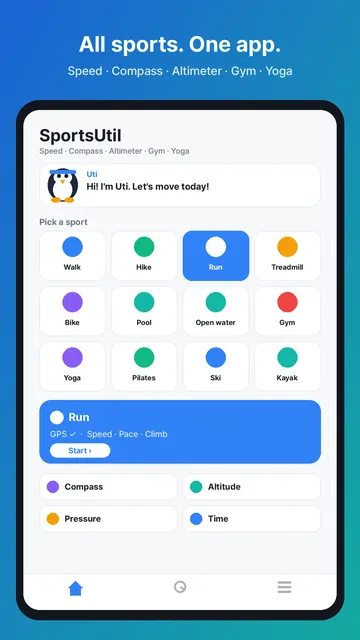
SportsUtil is a GPS speedometer and ride tracker for cycling, running and walking, with current, average and max speed, distance and your route on a map. On iPhone you can also mark spots on the route and add photos and notes to them.