About the app
Tellyza is a Universal TV Remote app that turns your phone into a Wi-Fi controller for TVs, media players, projectors, speakers, receivers and smart lights, all without creating an account. It suits anyone who has misplaced their TV remote, households with several brands of devices they want in one place, and smart home hub users who want to run blinds, robot vacuums and air conditioners from a single, simple remote.
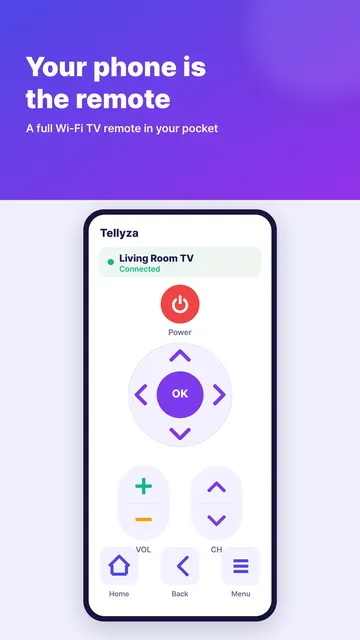
Tellyza is a Universal TV Remote that works over Wi-Fi for your TV, speakers, projectors and smart lights, with no account needed. Lost the remote? Your phone becomes the remote control for everything around you, not just the TV.
ONE APP FOR THE WHOLE HOUSE
Instead of juggling a separate controller for every screen, speaker and lamp, use one Wi-Fi remote control app for your TV, media player, projector, audio receiver and smart lighting. Switch channels, control your speakers and receiver or dim the living room lights, all from the phone already in your hand.
SUPPORTED DEVICES
- TVs: popular smart TV brands and streaming players with network control
- Media players: popular media center and player apps with network remote control
- Projectors: network projectors that support the PJLink standard
- Speakers & receivers: many Wi-Fi speakers and network audio receivers
- Lights & plugs: many Wi-Fi smart bulbs, light strips and smart plugs
- Hub: a smart home hub, to reach the devices connected to it
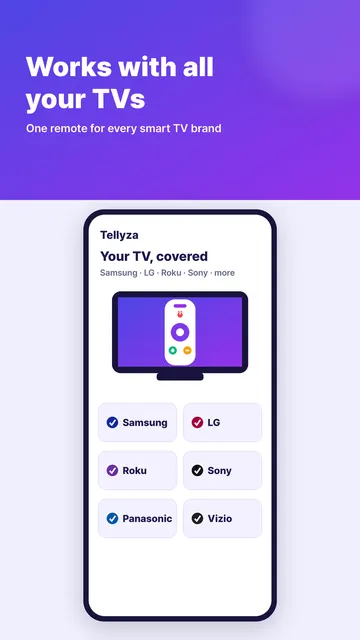
- Works with LG, Samsung, Sony and Roku TVs and Home Assistant hubs, among others. Trademarks belong to their respective owners; Tellyza is not affiliated with, endorsed or sponsored by those companies.
KEY FEATURES
- Automatic discovery: scan your Wi-Fi network to find compatible devices
- Manual setup: add any device directly by its IP address
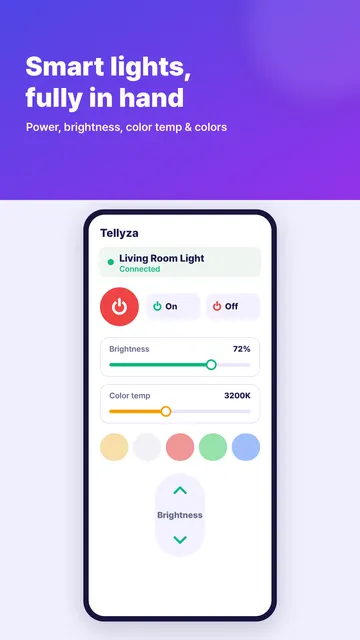
- Adaptive controls: the remote changes to fit the device, so a lamp gets brightness and color while a TV gets channels and a number pad
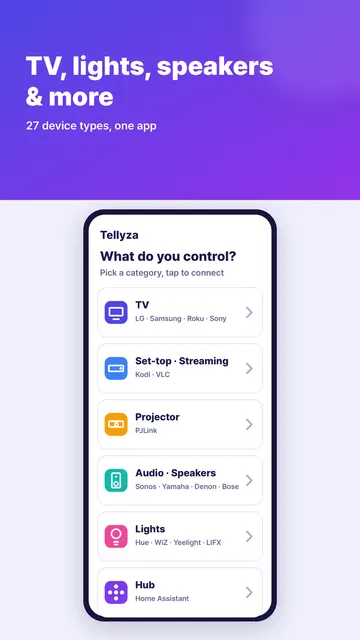
- Quick start by category: pick what you want to control first, whether that's TV, media, projector, speakers, lights or hub
- Smart home hub support: connect to your hub and control the devices behind it, such as air conditioners, robot vacuums and blinds
- No sign-up: open the app and start controlling, with no account to create
GETTING STARTED
- Connect your phone to the same Wi-Fi network as the device you want to control
- Choose a category: TV, media, projector, speakers, lights or hub
- Run a Wi-Fi scan to find devices automatically, or enter the IP address yourself
- Use the remote screen built for that device
WHO IS IT FOR?
- Anyone who lost their TV remote and needs a phone-based Wi-Fi controller
- Households with several brands of TVs, media players and projectors that want them in one place
- Homeowners who want to control smart lights, smart plugs, speakers and audio receivers without creating an account
- Smart home hub users who want to operate blinds, robot vacuums and air conditioners from a simple remote
TIPS
- If a device doesn't show up in the scan, check that your phone and the device are on the same Wi-Fi network, then add it manually by IP address
- Starting with a category helps you get to the right remote faster
- Already use a smart home hub? Point the app at it to control even more of your home from one screen
FAQ
- Do I need an account? No. There is no account and no sign-up.
- Does it work with infrared (IR) devices? No. Infrared (IR) devices are not supported. Tellyza controls devices over your Wi-Fi network.
- Does my phone need to be on the same network? Yes. Your phone and the device must be on the same Wi-Fi network.
- Can I control things that aren't on the list? If they're connected to your smart home hub, point the app at the hub and everything behind it becomes controllable too.
PRIVACY & PERMISSIONS
- Everything happens on your own Wi-Fi
- Nothing about your home leaves your local network
- No account, no sign-up, no personal profile to create
Turn your phone into a smart remote for your TV, sound system, projector and lights. Download Tellyza, the universal Wi-Fi remote for the whole house.