
Stowphone
App blocker and focus timer that helps you put your phone away — no ads, no account, nothing to unlock.
Android 8.0+ · 31 languages · by TanzSoft
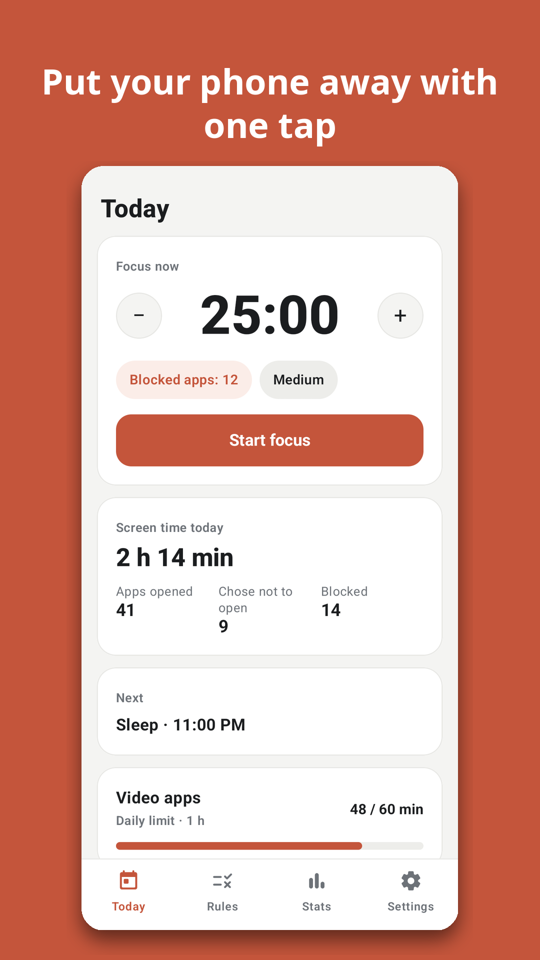
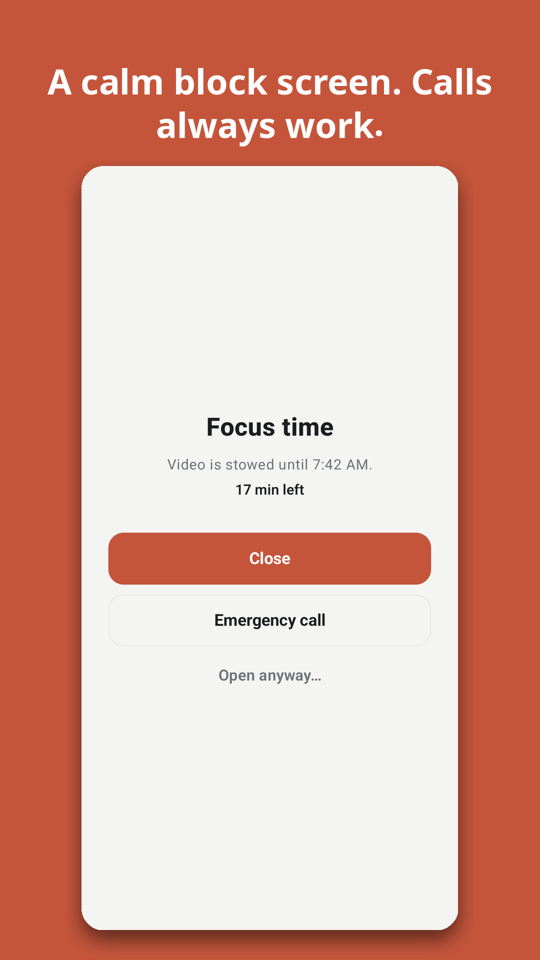
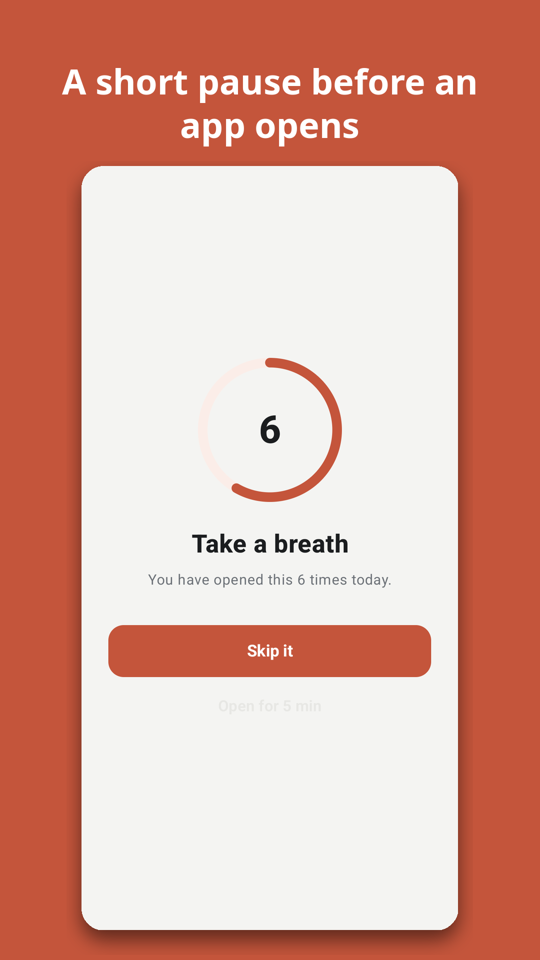
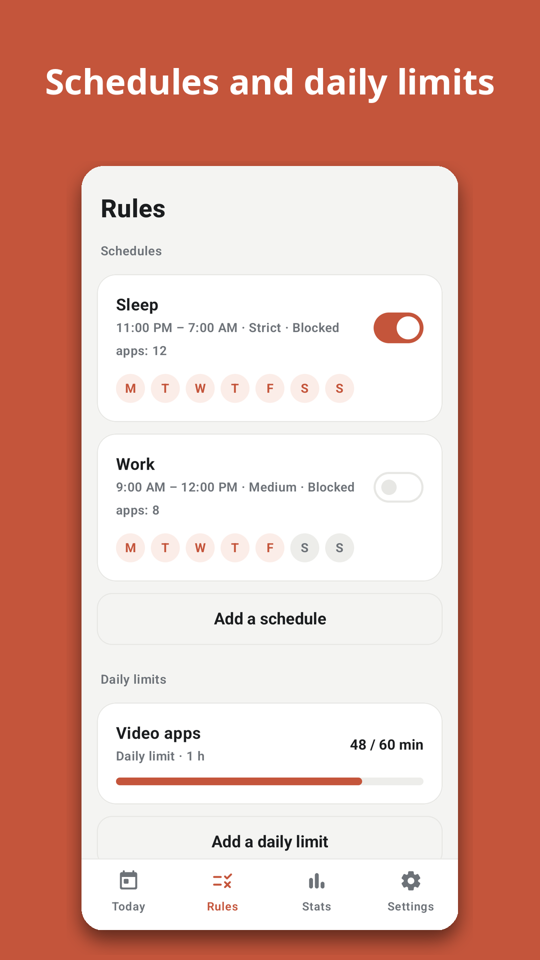
Set up in about a minute
- Pick a goal — study, sleep, work or less social media — and Stowphone suggests which apps to block and builds a starting plan.
- Each permission is explained in plain words, and asked for only when it is needed.
- A practice screen lets you try a block without touching your real apps.
Four ways to keep apps closed
- Focus now — one tap, 5 minutes to 4 hours. Also from the home screen widget and the Quick Settings tile.
- Schedules — bedtime, work or class on the days you choose. Block chosen apps, or allow only the apps you need. Schedules past midnight work as expected.
- Daily limits — a time allowance per day for a group of apps. Time adds up across the day; leaving and coming back does not reset it.
- Pause before opening — a short breather, then you decide: skip it, or open it for a few minutes.
You decide how hard it is to undo
- Easy: one tap opens a blocked app for a few minutes.
- Medium: wait 30 seconds, then type a short sentence.
- Strict: blocked apps stay closed until the time is up, and rules cannot be changed meanwhile.
- You are never locked out: phone and emergency calls, messages, Settings and your home screen are never blocked, and every block screen has an Emergency call button.
Private by design
The store version has no internet permission, so it cannot send anything anywhere. It does not use the accessibility service and cannot read what is on your screen. Screen-time numbers come from your phone's own usage record and stay on the device. No sign-in, no analytics, no ads. Privacy policy.
Good to know
Stowphone blocks apps. It does not block websites inside a browser or small floating video windows. It is a self-control tool for your own phone, not a parental control or monitoring app, and it is not a medical product. If the app is force-stopped or its usage-access permission is turned off, blocking pauses until you open the app again; the self-check screen shows this and how to fix it.
Google Play: com.tanzsoft.stowphone (coming soon) · Contact: tanzsoftkor@gmail.com · More apps by TanzSoft